 🏆 #1 Product of the Year — Product Hunt
macOS screen recorder with automatic zoom and smooth animations for product demos, tutorials, and social media videos.
Helping people create beautiful screen recordings at


Make your demos and tutorials easier to follow while grabbing more attention. Especially on smaller screens.
To focus on the main action, Screen Studio automatically zooms in on actions you perform on your screen.
If you need to export your video for social media, Screen Studio will automatically adjust all the zooms for an optimal viewing experience.
You can also manually select important parts of your recording. Screen Studio will automatically animate all the zooms.
Simply drag your zooms on the timeline. All the heavy lifting is done automatically. No manual work is required.
Screen Studio is a video editor that works automatically. Effects that would take hours of manual work are created instantly.
Shaky and rapid movement of your cursor is transformed into a smooth and beautiful glide.
Make your video easier to follow by changing the size of the cursor even after you have finished recording.
If the cursor doesn't add value to your video, it can be automatically hidden in the final video with beautiful animation.
To make social media or demo videos loopable, the cursor can return to its initial position near the end of the final video.
Screen Studio replaces known system cursors with their high-resolution versions if you increase cursor size.
Whatever you record, it will match your brand. Change the background, outer spacing, shadow, inset, and more.
Easily change the background or spacing around your video.
With one click, change the desired output of your video. All animations will be automatically adjusted.
To adjust subtle details, change the shadow or inset of your video.
Easily trim, cut, or speed up parts of your recording.
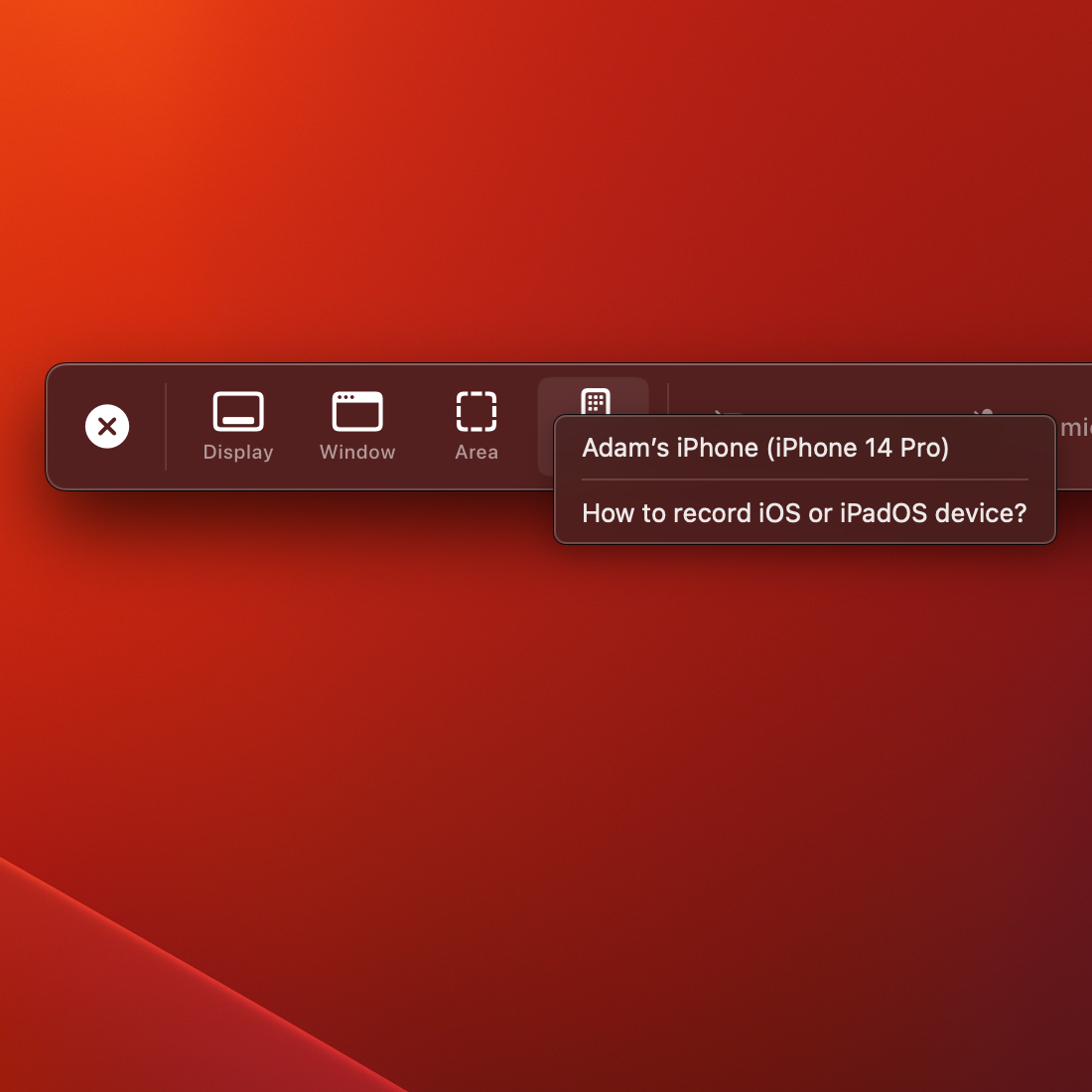
Simple, but powerful. Screen Studio can record webcam, microphone, system audio, or any iOS device.
Screen Studio makes it easy to create full-featured courses, tutorials, team updates, and demos.
Your selfie overlays the video and slightly zooms out to avoid covering your mouse cursor.
Voice volume is normalized, and background noise is removed automatically.
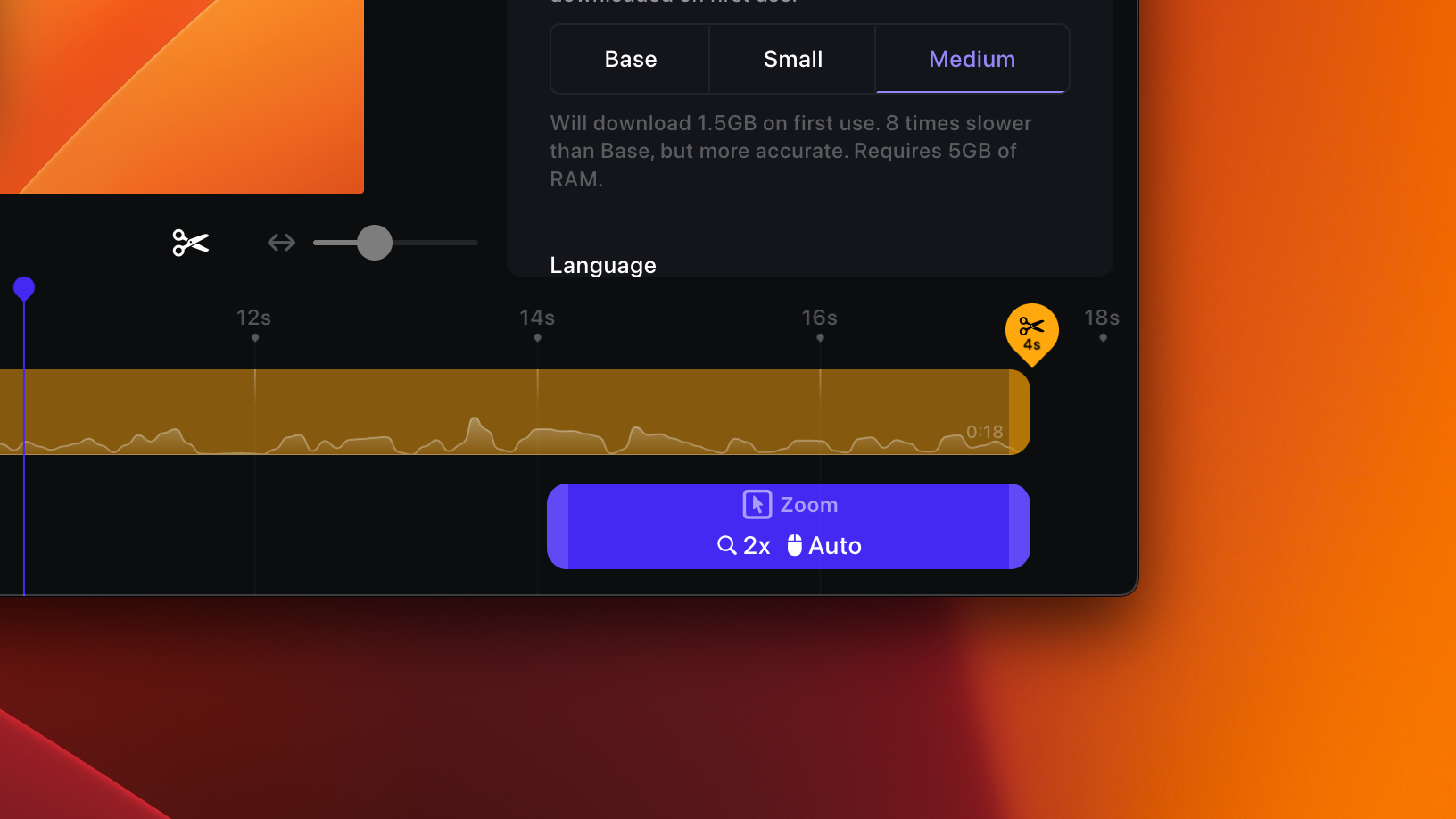
Generate a transcript of your video and add it as subtitles. All of this happens on your machine, and no data is sent to our servers.
Record system audio from all your apps or just selected ones. Creating audio tutorials just got a lot easier.
Connect your device with a USB cable and start recording. Add zooms and create mobile app demos with no effort.
Screen Studio automatically detects the model and color of your device.
Screen Studio has a wide range of device frames and colors to choose from.
Connect your iPhone or iPad with a USB cable and start recording.
Optimal exports settings baked in. Decide where to publish your video, and Screen Studio will adjust all technical settings for you.
Quickly share your video with anyone by generating a link.
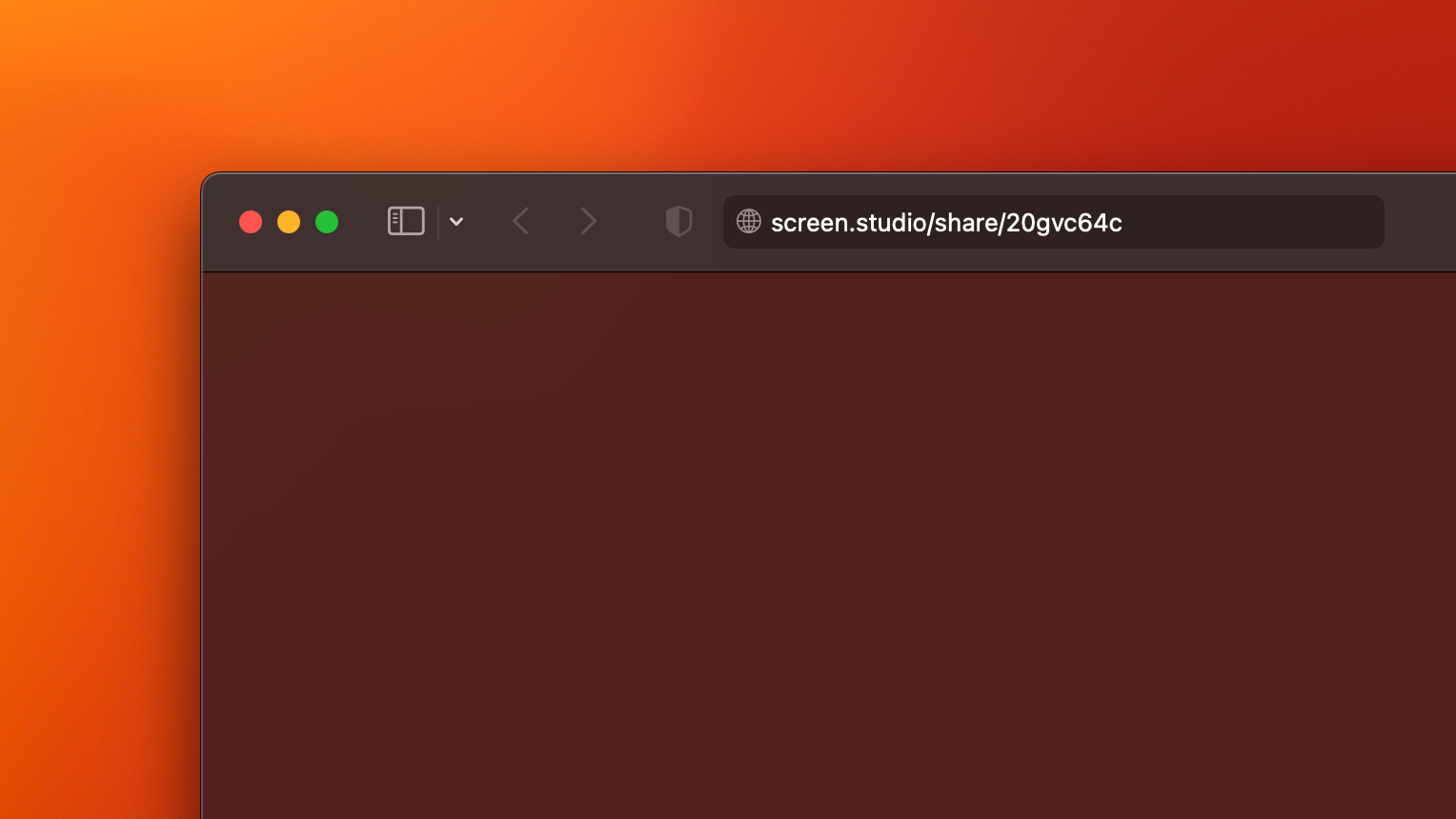
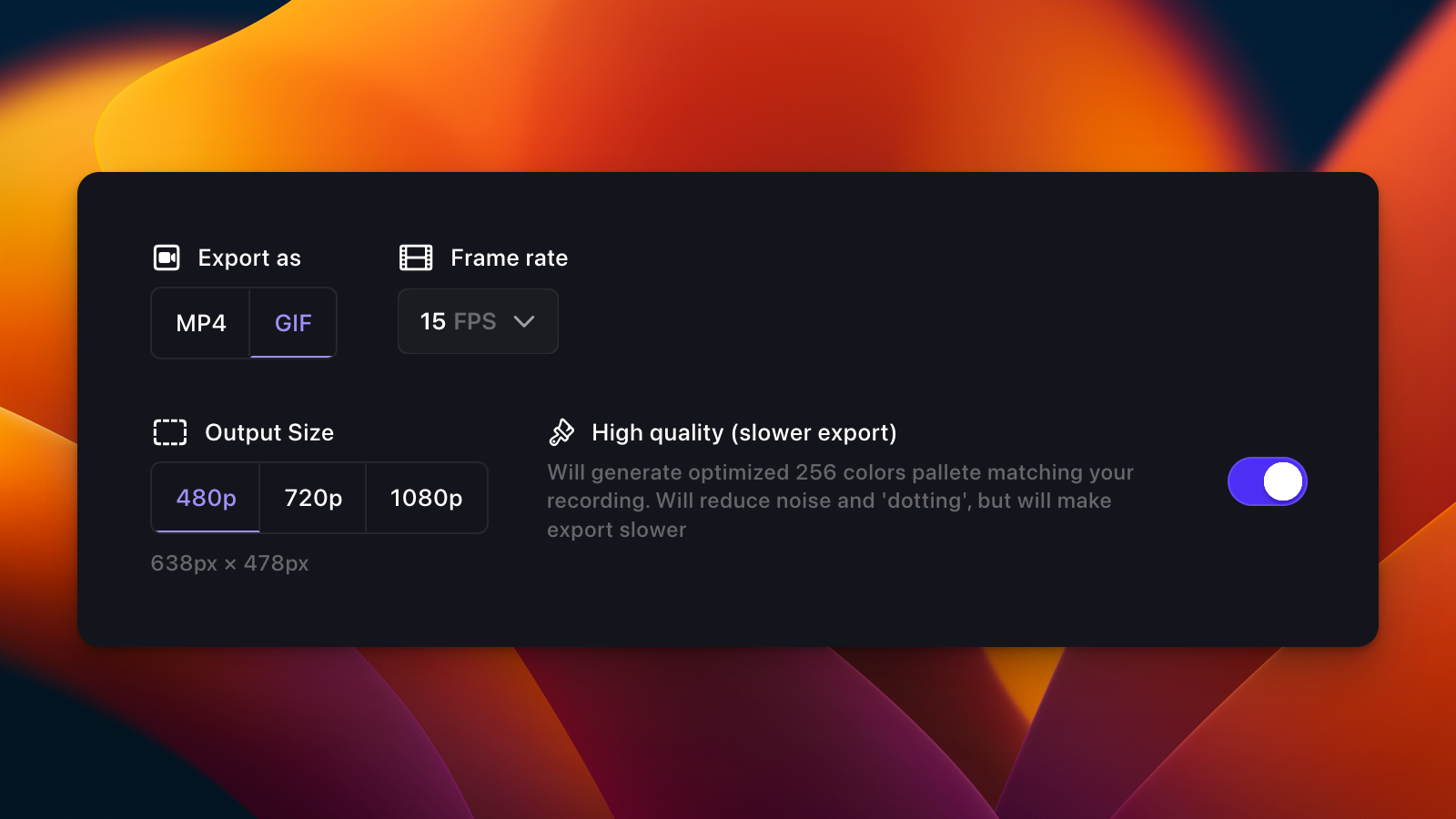
Export for the web, social media, or further editing in another video editor. Optimal settings are automatically selected.
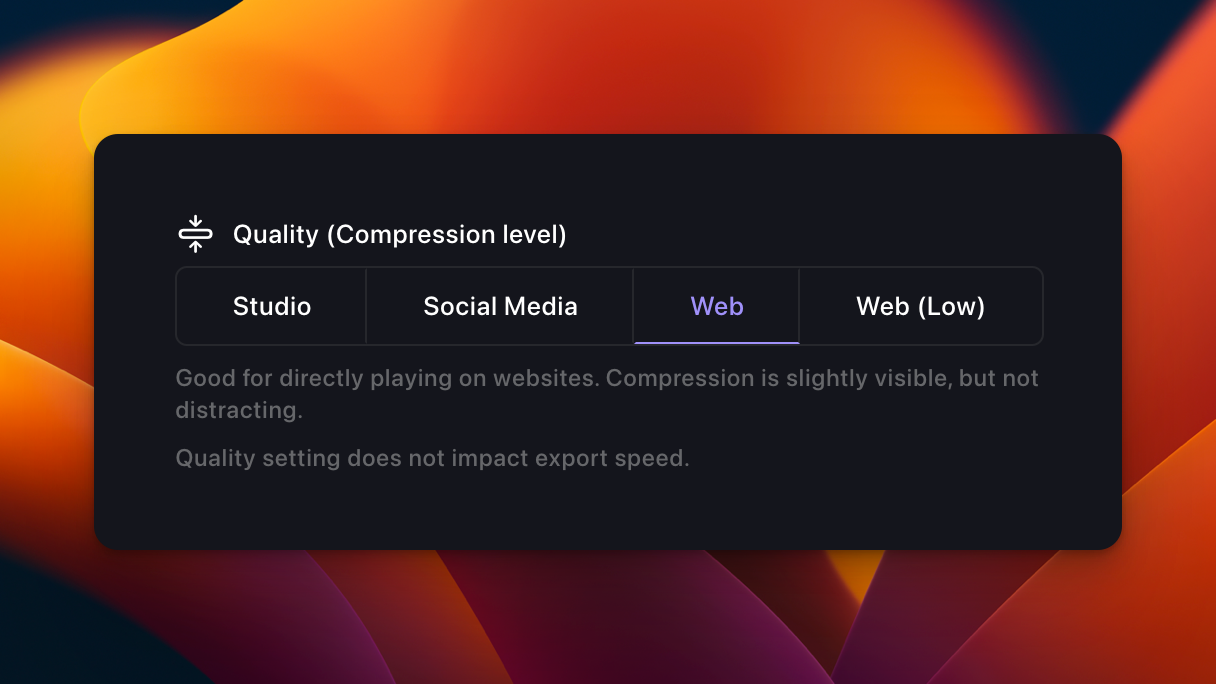
Export your videos in up to 4K 60fps or highly optimized GIFs.
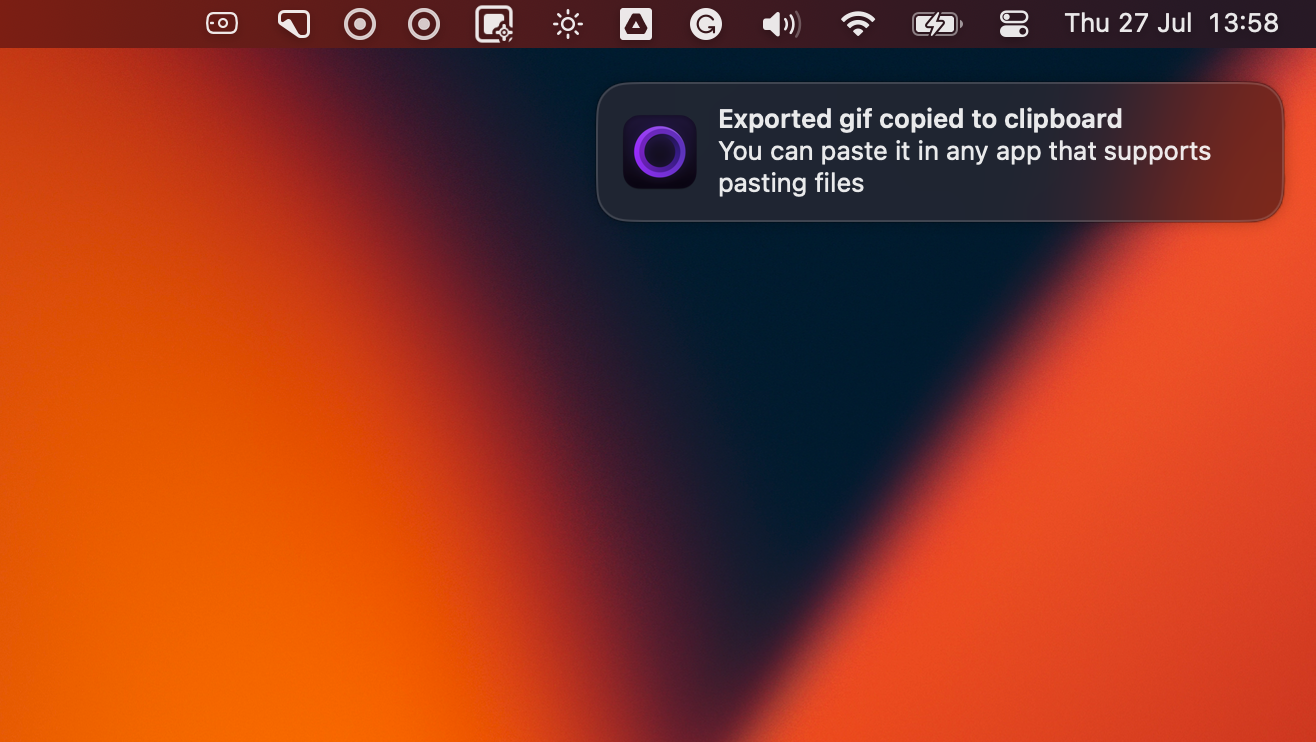
Copy your video to the clipboard and paste it into any other app for quick sharing.
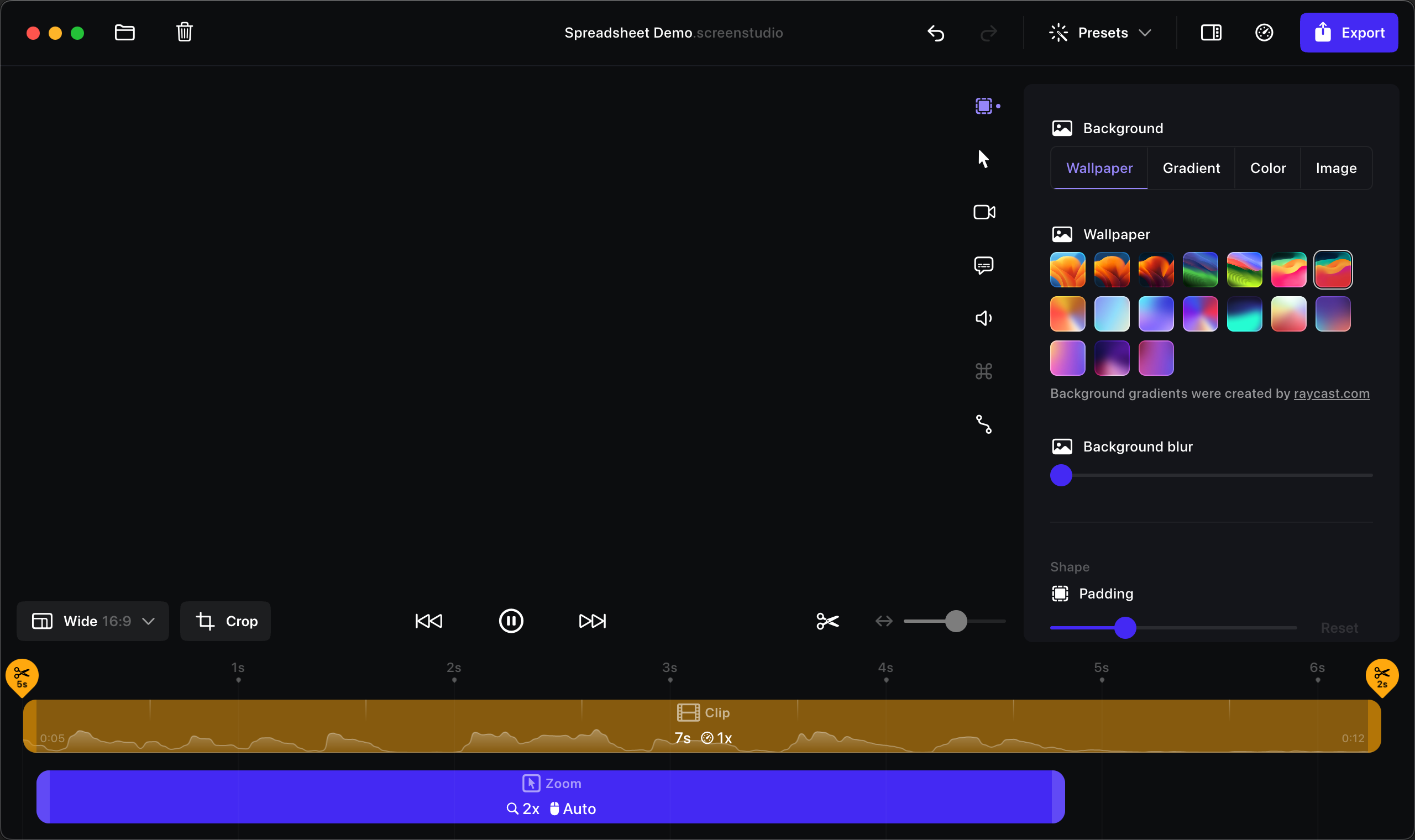
Screen Studio is packed with useful features while we try to make it easy to use and beautiful.
Movement in your videos will look more natural. The resulting videos resemble a professional video editor's output.
Save your video settings as a preset and share them with your friends or colleagues to make all your videos look consistent.
If you're recording a tutorial, Screen Studio can record your keyboard shortcuts and display them in your video.
Focus on a specific part of your screen or hide parts of the UI.
Avoid distractions or hide your files from your viewers.
Built and designed to be fast, reliable, and easy to use.
One-time purchase. Free updates for one year.
Everything you need to know about Screen Studio.